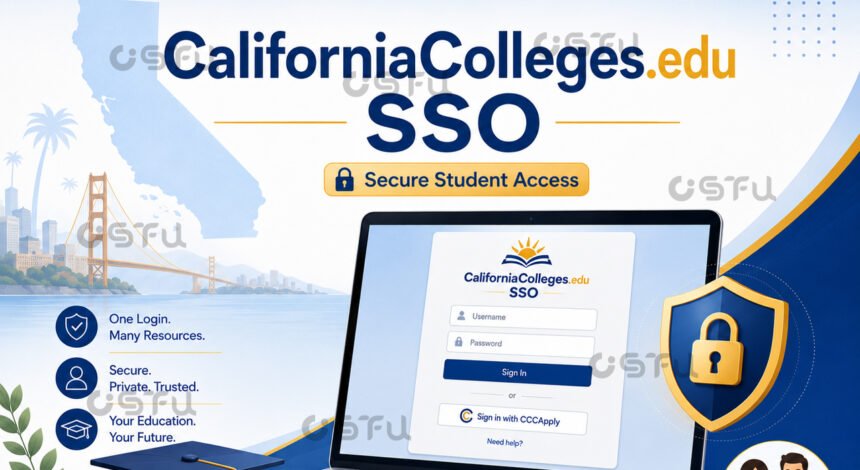
CaliforniaColleges.edu SSO is the single sign-on option that lets students and educators log into their CaliforniaColleges.edu account using existing school credentials instead of creating a separate username and password. The platform supports SSO through Clever Instant Login and through Sign in with Google, so a student can access their college, career, and financial aid planning tools with one click if their school district has set it up. This guide explains how the sign-in process works, who can use it, and what to do when it does not work as expected.
What Is CaliforniaColleges.edu?
CaliforniaColleges.edu is a free college and career planning platform used by public school districts across California to help students explore majors, careers, and financial aid options. Students use it to take career assessments, build a “My Plan” portfolio, and launch applications such as Cal State Apply, CCCApply, and the FAFSA or CADAA directly from their dashboard.
Educators and counselors use the same platform to monitor student progress and support college readiness planning at the school or district level. Because the tool holds sensitive personal and academic planning data, secure and convenient login options like SSO matter for both students and staff.
How Does CaliforniaColleges.edu SSO Work?
CaliforniaColleges.edu SSO works by connecting the platform to an identity provider your school already uses, either Clever or Google, so you do not need a separate password. When your school enables Clever Instant Login, you sign into your Clever portal first, then select the CaliforniaColleges.edu app icon, and the platform automatically signs you in and redirects you to your dashboard.
If your school instead supports Sign in with Google, you visit CaliforniaColleges.edu directly and click the Google sign-in option. After selecting your school Google account, you are redirected straight to your Student or Educator Dashboard without entering a new password. Both paths skip manual account creation as long as your school has already matched your identity provider account to a CaliforniaColleges.edu record.
Who Can Use CaliforniaColleges.edu SSO?
Only students and educators whose school or district has enabled SSO integration with CaliforniaColleges.edu can use this login method. The feature depends on district-level setup, so availability varies by school rather than being automatically turned on for every user.
If your school uses Clever for other classroom tools, there is a good chance CaliforniaColleges.edu appears as an app tile in your Clever portal already. If your school instead relies on Google Workspace for education accounts, Sign in with Google is the more likely option. Students without either setup still register manually with a district-verified account.
Why Does CaliforniaColleges.edu SSO Matter for Students?
CaliforniaColleges.edu SSO matters because it removes a common barrier for students juggling multiple login credentials across school platforms. One click through a trusted school account reduces forgotten passwords and speeds up access to time-sensitive tasks like financial aid deadlines.
For IT staff and counselors, SSO also reduces support tickets tied to password resets and account mismatches. Since the platform links directly to Cal State Apply, CCCApply, and FAFSA or CADAA, faster login means fewer disruptions during critical application windows.
How Do You Fix CaliforniaColleges.edu SSO Login Problems?
Most CaliforniaColleges.edu SSO login problems happen when the email address on file does not match the one used in Clever or Google, or when a student does not yet have a registered Student Account. If you see an error after clicking the app in Clever, it usually means your school has not yet matched your Clever profile to a CaliforniaColleges.edu record.
If Sign in with Google fails, confirm you are selecting the correct school-issued Google account rather than a personal one. When problems persist, your school’s IT department or counselor can check your account status, since SSO setup and account matching are managed at the district level, not by the individual student.
For district-level SSO configuration details, IT staff can reference Clever’s official CaliforniaColleges.edu app gallery listing. Students looking for step-by-step account setup can also check the platform’s own Learn More help center. (An internal link to a related “How to Create a CaliforniaColleges.edu Student Account” article would fit naturally here.)
Conclusion
CaliforniaColleges.edu SSO gives students and educators a faster, more secure way to reach college and career planning tools without managing an extra password. Whether your school uses Clever or Google, the login process is designed to connect straight to your dashboard once your district has completed setup. If SSO is not working, the fastest fix is usually a quick check with your school’s IT team or counselor rather than repeated login attempts.
Frequently Asked Questions
Does CaliforniaColleges.edu support single sign-on?
Yes. CaliforniaColleges.edu supports single sign-on through Clever Instant Login and through Sign in with Google. Availability depends on whether your school district has configured one of these options, so not every student will see an SSO button on their login page.
Do I need a separate password if my school uses SSO?
No. If your school has enabled Clever or Google SSO, you sign in using your existing school credentials. You only need a separate CaliforniaColleges.edu username and password if your school has not set up either SSO option.
What do I do if the CaliforniaColleges.edu app is missing from my Clever portal?
Contact your school’s IT department or counselor, since app visibility in Clever is controlled at the district level. They can confirm whether CaliforniaColleges.edu has been added to your school’s Clever app list.
Can educators use the same SSO login as students?
Yes. Educators can use Clever Instant Login or Sign in with Google the same way students do, and they are redirected to an Educator Dashboard instead of a Student Dashboard after signing in.
Why does my Google sign-in redirect to the wrong account type?
This usually happens when your Google account was registered under a different role or when your school district has not matched your account correctly. Signing out of all Google accounts and selecting the correct school-issued account typically resolves the mismatch.